How to Use the Jindo Jam Deck™: Host Guide to Zero-Prep Music Bingo
Great entertainment software shouldn't require a 50-page instruction manual.
The Jam Deck™ is engineered with one primary mission: to eliminate pre-show setup so you can focus on working the room, hyping the crowd, and getting paid.
Whether you are launching a live venue show or streaming a corporate team-building event over Zoom, setting up your game night takes less than 60 seconds. Here is your quick-start guide to mastering mission control on Planet Jindo.
🎵 STEP 1: Create Your Jam & # of ROunds
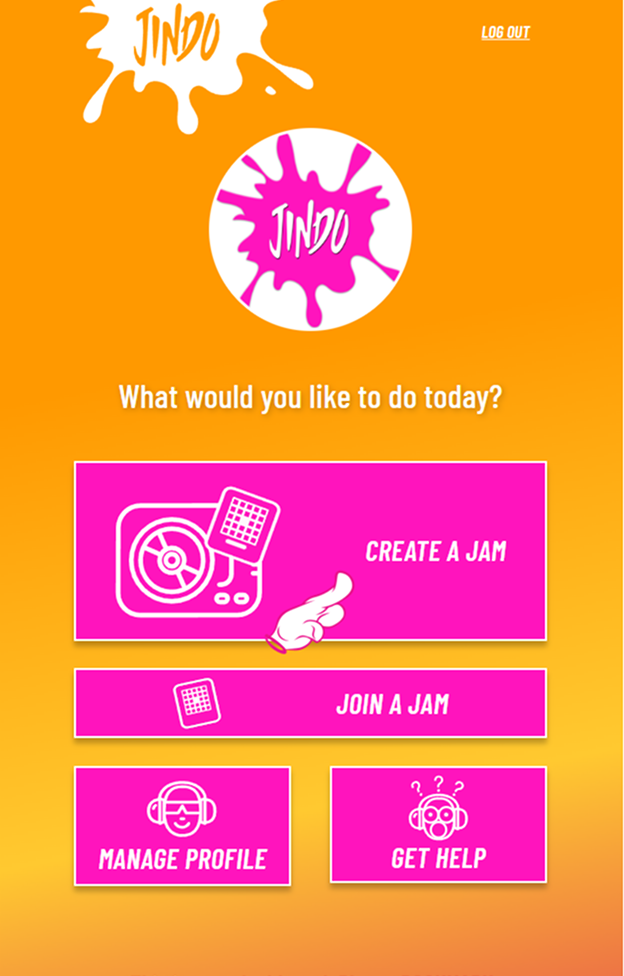
Log into your Jindo dashboard in Google Chrome and tap CREATE A JAM. Choose from 70+ clean playlists across genres, vibes, and party themes.
Zero-Prep Guarantee: No manual track cutting, no MP3 volume normalization, and zero explicit lyric drops!
⚙️ STEP 2: Set Round Rules, Patterns & Prizes
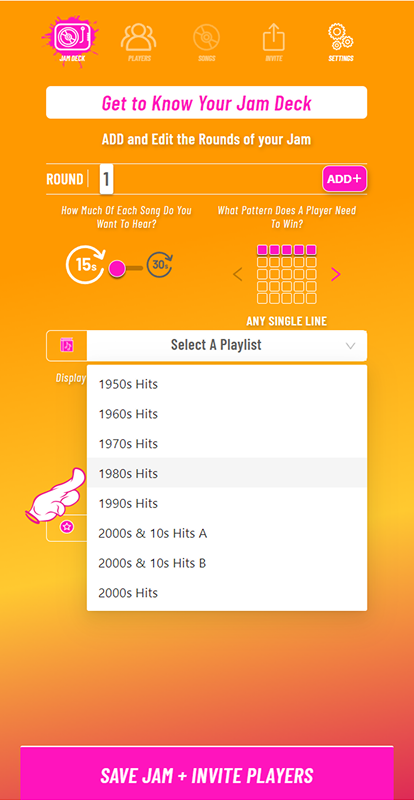
Tailor the game speed and winning parameters to match your room:
Winning Patterns: Single, Double, Box 4 Anywhere, Four Corners, X and Blackout.
Clip Length & Pace: Choose 15 or 30 second song clips depending on how fast you want the round to move.
Custom Prizes: Input the round prize (e.g., $25 Venue Gift Card) so it displays automatically on player cards!
💻Step 3: Click SAVE JAM & INVITE PLAYERS.
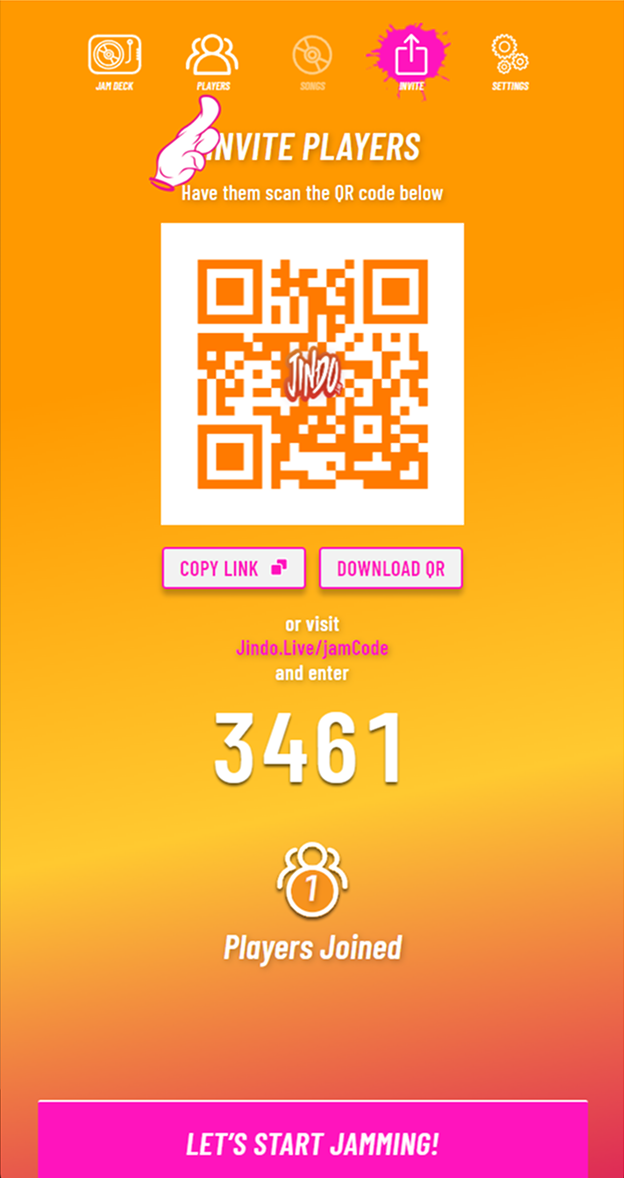
The Jam Deck™ instantly generates your custom session join code and high-resolution QR Code.
Output Join Screen: Output your laptop screen to venue TVs/projectors or place your tabletop QR tents around the room.
Frictionless QR Quick Join: Arriving players point their smartphone cameras at the code and enter the lobby in 5 seconds flat. No app downloads or registration forms required!
🎧 STEP 4: Launch the Countdown & Jam Out!
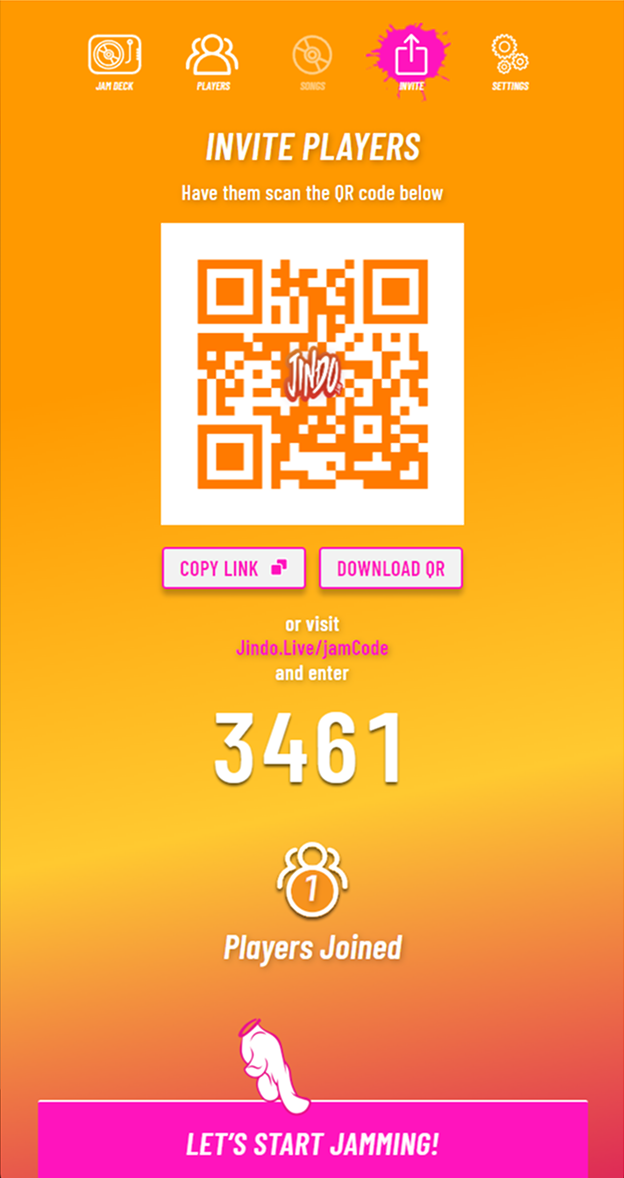
Once your players are in the lobby, hit LET'S START JAMMING!
Intro Hype: The intro soundtrack builds room excitement while the automated on-screen countdown ticks down.
Automated Mixing: The Jam Deck™ handles all 1.5-second audio fades between clips, live leaderboard tracking, and instant automated winner verification!
⚡ 3 Pro-Host Settings You Need to Know
Auto Fun Facts: Look at Songs Tab of the Jam Deck™, it automatically displays trivia fun facts about the song playing so you can drop cool music knowledge on the mic during audio fades!
Name That Tune Mode: Want to make the game more challenging? Toggle song title displays ON or OFF with a single tap.
Fail-Safe Winner Checks: When a player calls JINDO on their phone, the system auto-verifies the win instantly. No false calls, no hand-checking paper sheets, and no stopping the music!
🚀 READY TO TRY The Jam Deck™?
Experience zero-prep music bingo free for 30 days. No promo code required.