


In-Person VS. sTREAMING Music Bingo:
Host setup Guide

🎤 IN-PERSON
VENUE SETUP
Hosting in a bar, brewery, campus center, or private event space.
🧰 What You Need:
Device: Laptop or tablet running Google Chrome
Microphone: Wireless handheld or headset mic
Sound: PA system, powered speakers, or house audio
Bluetooth: great for house parties or small rooms
Wired: 1/8" AUX or XLR to connect device to sound.
⚡ Step-by-Step Execution:
Plug laptop audio into PA/mixer.
Set mic volume to sit over music.
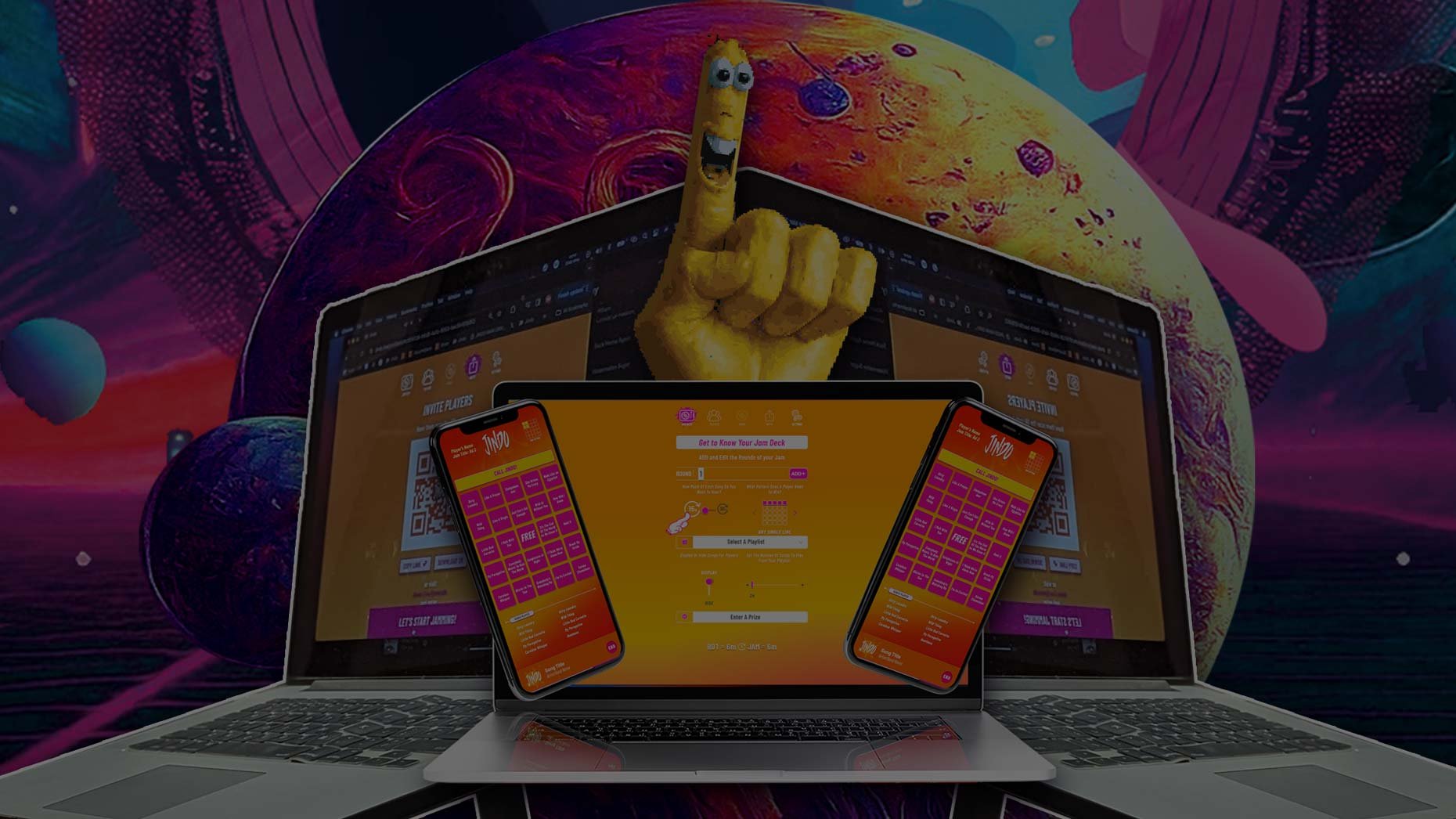
Log into the Jam Deck™.
Setup the rounds in your Jam
Display QR Code on tables and venue TVs
Hit Let’s Start Jammin' and rock the room!

💻 STREAMING
Virtual SETUP
Hosting online over Zoom, Teams, Google Meet, or Twitch.
🧰 What You Need:
Device: Computer running Google Chrome
Platform: Zoom / Teams / Meet / Twitch
Audio: USB Podcast Mic or Headset
Optional: OBS Studio / Stream Deck
⚡ Step-by-Step Execution:
Log into the Jam Deck™
Setup the rounds in your Jam
Launch your Zoom/Teams meeting
Click Share Screen icon on the tool bar.
Select the Google Chrome window
Check Share Sound
Display QR code for players
Hit Let's Start Jammin' and Jam with anyone in the world!
🔥 PRO HOST AUDIO HACKS FOR MAX ENGAGEMENT
🎚️ The 80/20 Volume Rule: Keep music audio at a level where lyrics are punchy and recognizable, but leave enough headroom so your voice cuts through effortlessly when dropping trivia fun facts or calling out the leaderboard.
🚫 Never Use Laptop Speakers: Always route audio through external PA speakers or digital stream sound sharing. Playing music through a laptop microphone pick-up destroys audio quality for players.
🛡️ 100% Brand Safety Pledge: Every playlist in the Jindo library features pre-edited, 100% clean audio clips—giving you complete peace of mind in family pub nights, corporate events, or school campuses.
Level Up Your Business
OR CONNECT ONLINE
Whether you are looking to DIY at your venue or host global virtual team-building events, The Jindo Entertainment System™ gives you control over every show.