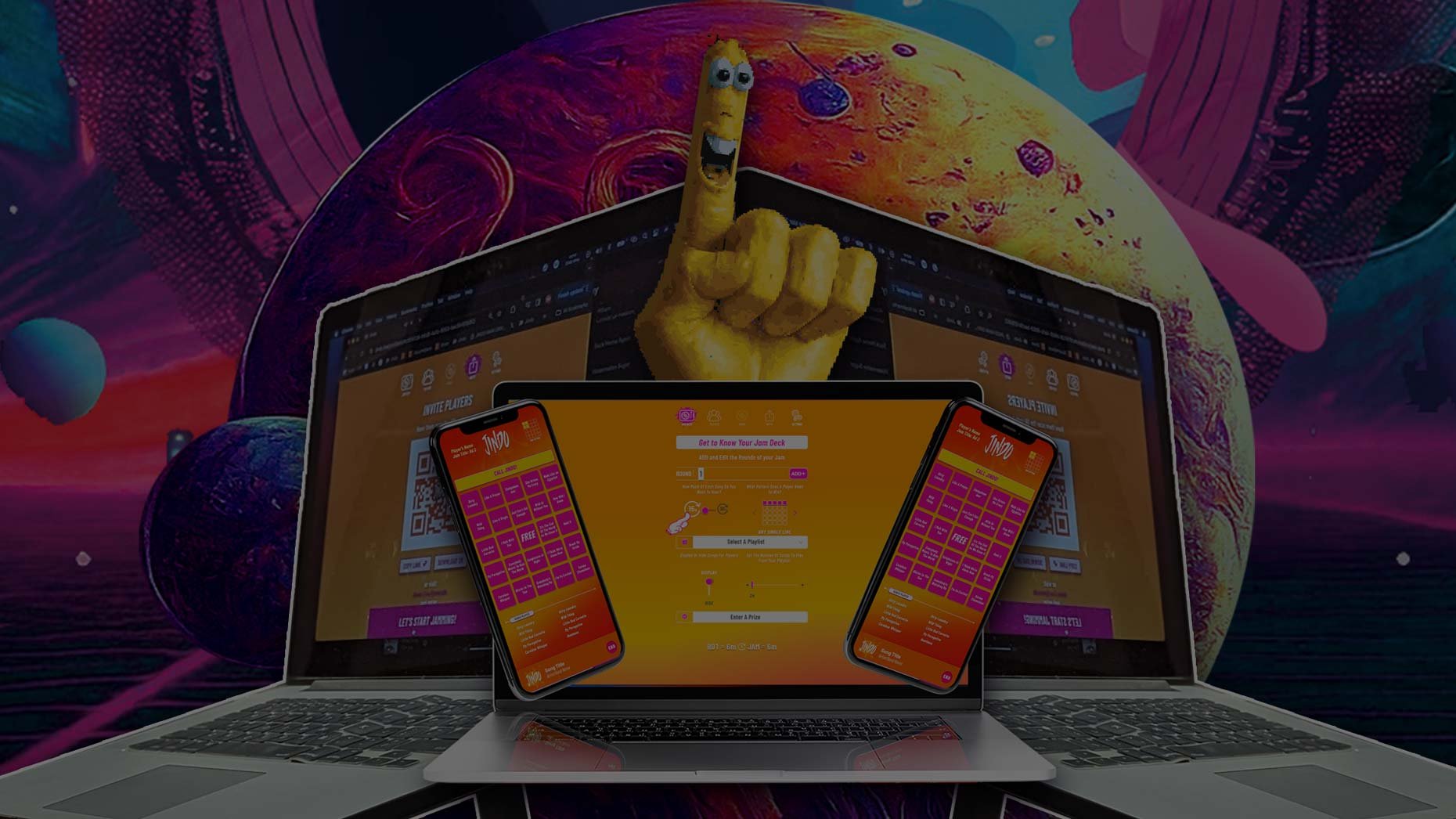
Streaming Vs. In-Person: Tips for delivering the best audio experience when Hosting Jindo Jams
As a Jindo Host, you can connect with your players In-Person or Streaming. When you are hosting Jindo In-Person, you are in the same room as your audience and using a traditional sound system. When you are hosting Jindo Streaming, you will be playing the audio from your computer through Zoom, Google Meet or Microsoft Teams.
Here’s how it works:

In-Person Audio Tips
WHAT YOU WILL NEED:
Computer, Tablet or Phone
Microphone (Optional for Small Rooms)
Sound System or Bluetooth Speaker
HOW IT WORKS
Set up your sound system or speaker
For large rooms or pro events, we recommend a traditional sound system with a high-quality mic
For small rooms or home games, a bluetooth speaker will work
Connect your Microphone
Connect your Device
Bluetooth
⅛” AUX to: ¼”, XLR or RCA
Create your Jam
Invite your players
Play Jindo!
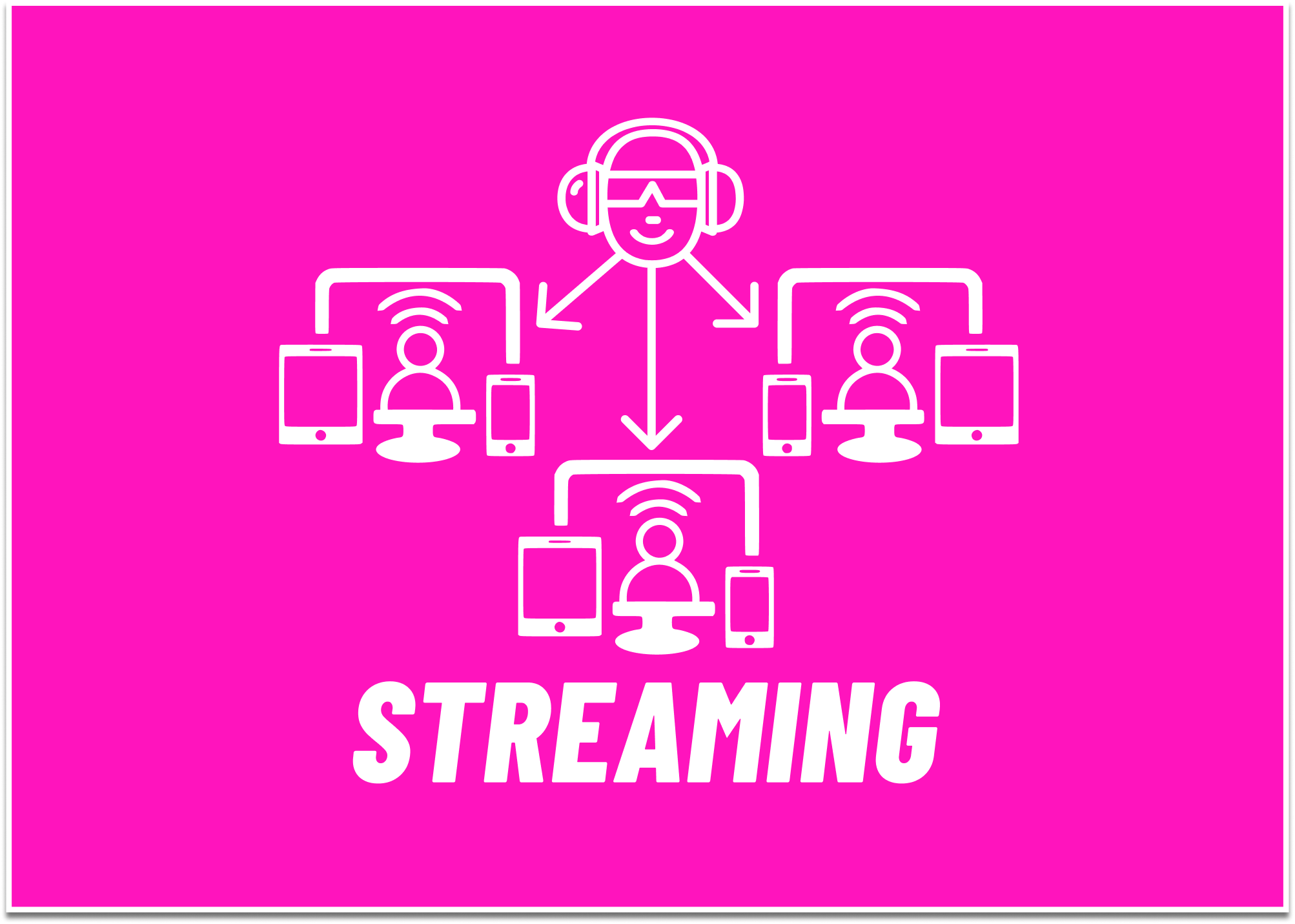
Streaming Audio Tips
What you will need
WHAT YOU WILL NEED:
Computer
Bluetooth headset
Streaming software
Zoom
Google Meet
Microsoft Teams
Add-ons (Optional)
HOW IT WORKS
Create your Jam
Connect your bluetooth headset to your computer
Open Streaming Software
Zoom
Select Mic and Speaker
Select Video
Click SHARE SCREEN
Select Jindo web browser
*Click “SHARE SOUND” in lower left corner*
Click SHARE button in lower right corner
Select the INVITE tab on your Jam Deck
Invite your players
Play Jindo!